A Photo Tool (Libre)
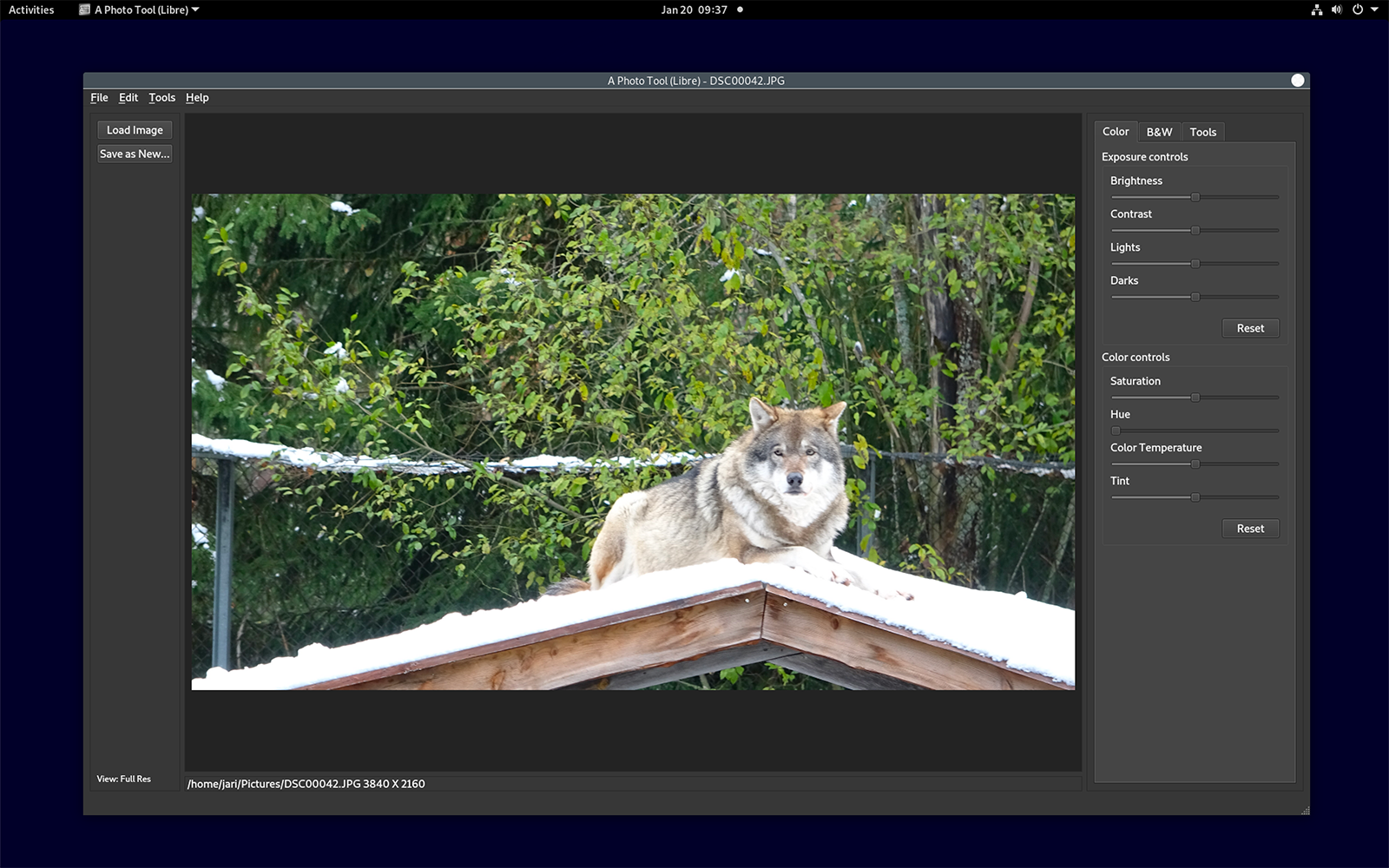
Discover A Photo Tool (Libre), a lightweight, open-source Linux photo editor. Read our full review of its features, image tools, and usability.
Imagine you have just transferred a batch of photos from your digital camera to your Linux workstation, only to find the lighting is slightly off, the horizon is tilted, and the colors look washed out. Instead of launching a heavy, resource-intensive suite just for basic adjustments, you need a streamlined tool that gets straight to the point. That is where A Photo Tool (Libre) Linux photo editor comes into play.
What is A Photo Tool (Libre) Linux Photo Editor?
Developed by Jari Ahola, A Photo Tool (Libre) is an open-source, user-friendly desktop application designed specifically for the Linux platform. Categorized under design utilities, this software targets photographers and digital hobbyists who require quick, dependable adjustments without a steep learning curve. Released under the GNU General Public License v3 (GPLv3), its full source code is publicly accessible, offering transparency and community-driven reliability for open-source enthusiasts.
Essential Editing Features and Image Controls
While some graphic suites overwhelm users with endless menus, this application focuses on the core adjustments that make the biggest impact on your photography. Key capabilities of the A Photo Tool (Libre) Linux photo editor include:
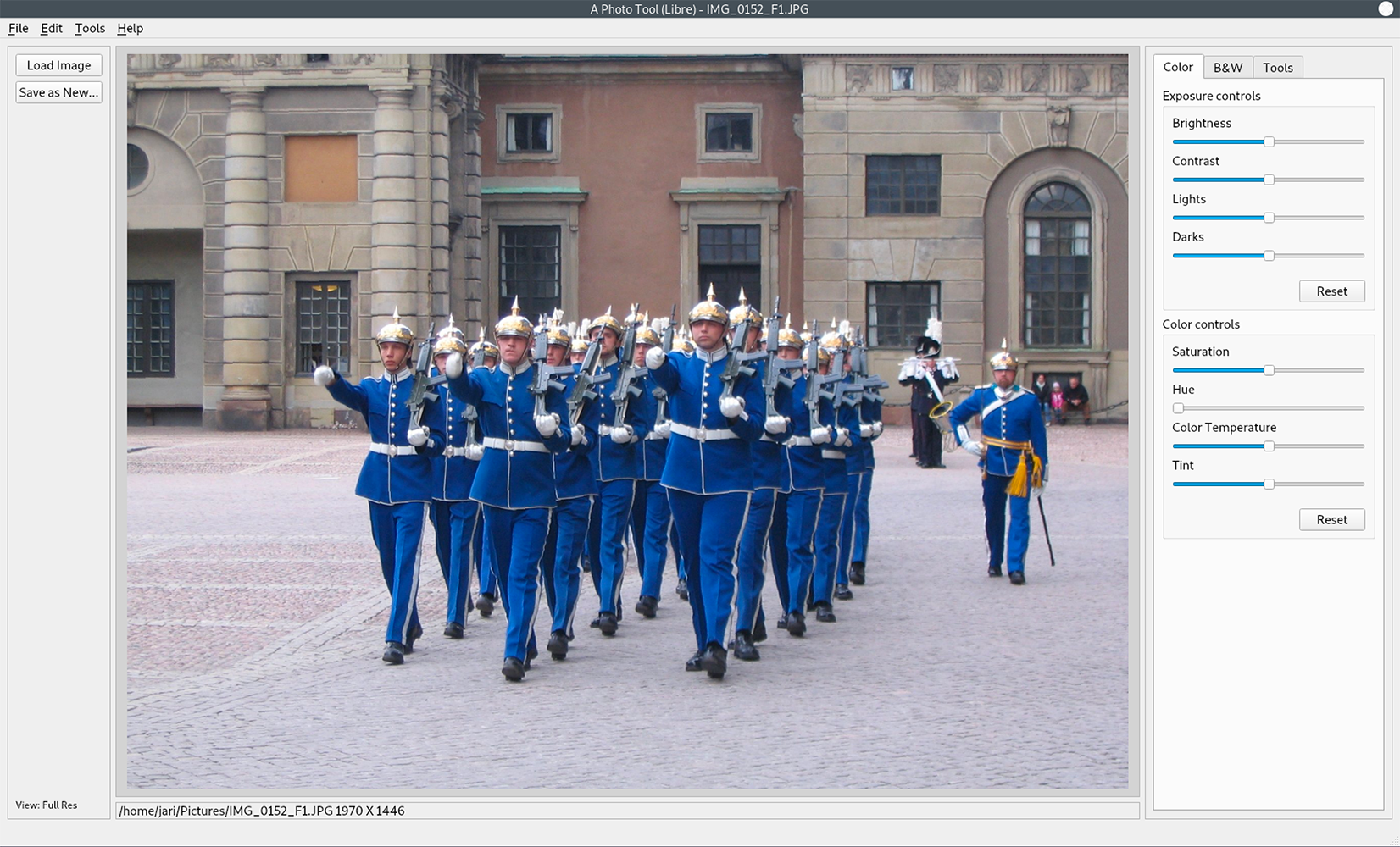
- Exposure and Contrast Tuning: Effortlessly correct under-exposed shots or enhance flat lighting to give your images more depth and pop.
- Color Calibration: Modify color balances or transform vibrant color photos into dramatic, highly controlled black and white masterpieces.
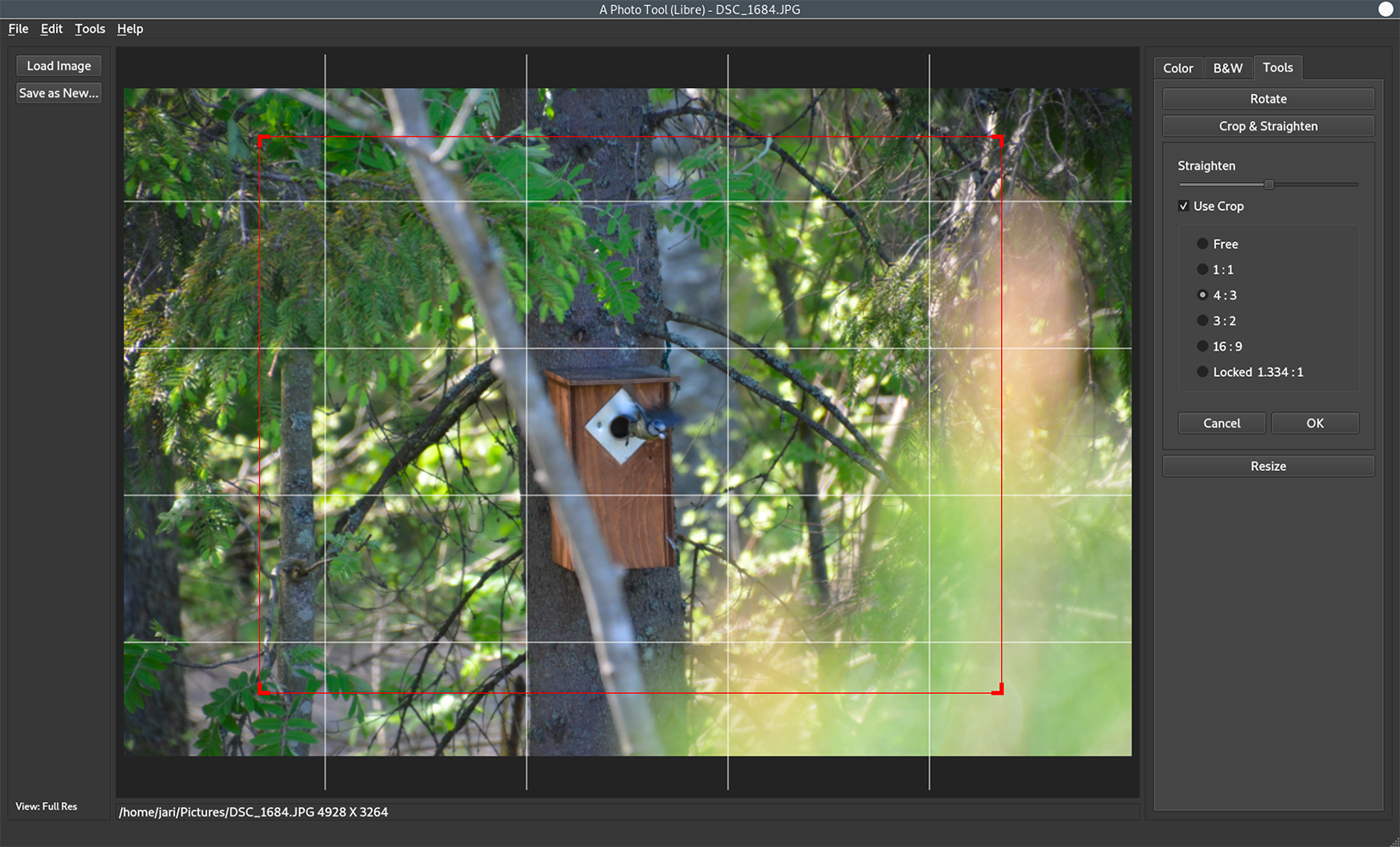
- Geometry Adjustments: Rotate, crop, straighten, and resize your images to achieve the perfect composition.
- Broad Format Support: While optimized for enhancing standard JPEG files, it seamlessly handles several other popular image formats.
Who is this Application For?
This software is ideal for Linux users who value lightweight, GPL-licensed tools. Whether you are organizing a personal family archive or preparing images for a blog post, it provides a clean workspace free from bloated features. Because it runs natively on Linux, it integrates beautifully into open-source workflows, making it a reliable addition to your creative toolkit.
How to Access the App
If you are looking for a straightforward, libre solution to polish your digital photography, we highly recommend exploring this project further. To view more details, check out community feedback, or install the application on your system, visit the official Flathub store page via the link below.